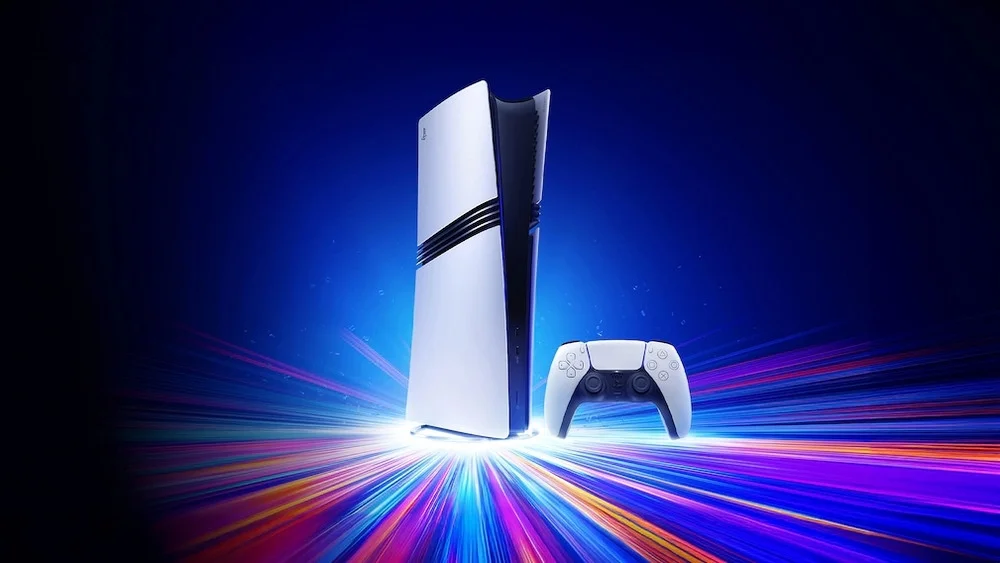

Sony has rolled out a new system software update for the PlayStation 5, bringing back beloved classic console themes and introducing an innovative Audio Focus feature to enhance the gaming experience. In addition to the visual enhancements, the update introduces the Audio Focus feature, designed to provide a more immersive and personalized audio experience. Audio Focus is accessible via [Settings] > [Sound] > [Volume] > [Audio Focus] or directly from the Control Center during gameplay. It's important to note that Audio Focus is compatible with headphones connected via USB or analog jack but is not supported for HDMI connections through TVs, AV receivers, or soundbars . Read more in our articles including "Sony Revives PS1 to PS4 Themes on PS5 With Latest System Update" and "WATCH: PlayStation 5 - Should you upgrade?".

Sony has rolled out a new system software update for the PlayStation 5, bringing back…
Apr 24, 2025When Sony started making noise about the PlayStation 5, gamers continue to question “should I…
Jan 17, 2020During Sony’s Road to PS5 live stream event, they unveiled the next-generation console’s design philosophy,…
Mar 19, 2020Peter Rubin of Wired recently had an exclusive interview with Sony’s Mark Cerny, the lead…
Apr 25, 2019
With the latest addition to the Call of Duty franchise, Modern Warfare 4, dropping…
Sep 1, 2026
Gaming handhelds in the Philippines now span from ₱1,550 to almost ₱60,000, and the catalog…
Jun 6, 2026Sony has rolled out a new system software update for the PlayStation 5, bringing back beloved classic console themes and introducing an innovative Audio Focus feature to enhance the gaming experience. In addition to the visual enhancements, the update introduces the Audio Focus feature, designed to provide a more immersive and personalized audio experience.
Audio Focus is accessible via [Settings] > [Sound] > [Volume] > [Audio Focus] or directly from the Control Center during gameplay. It's important to note that Audio Focus is compatible with headphones connected via USB or analog jack but is not supported for HDMI connections through TVs, AV receivers, or soundbars .
Our coverage of PS5 audio focus includes: "Sony Revives PS1 to PS4 Themes on PS5 With Latest System Update"; "WATCH: PlayStation 5 - Should you upgrade?"; "Sony unveils PS5 specs and features". Each article provides unique insights and information.