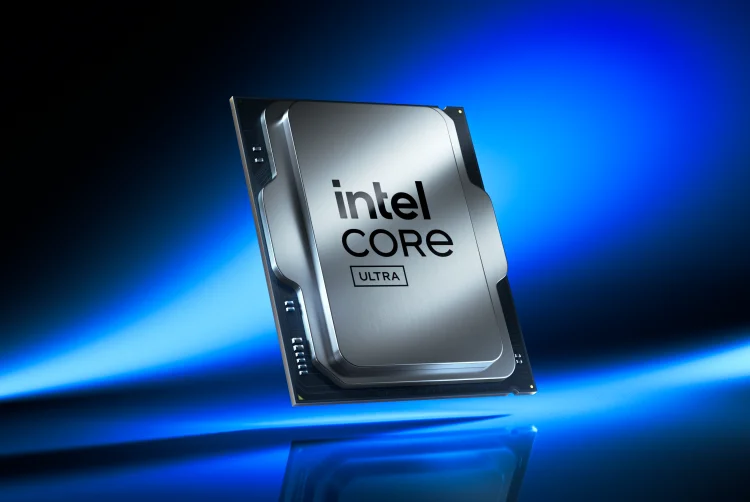

This move builds on previous efforts to refine Arrow Lake chip performance, following March’s BIOS updates that showed mixed gaming improvements. To activate the Intel 200S Boost, users should: Update their BIOS – Ensure the system’s motherboard firmware is the latest available. Enable the Profile – In the BIOS settings under overclocking options, select the ‘Intel 200S Boost’ profile. A full list of supported components is available on Intel’s website, and users are advised to verify hardware compatibility before applying the update. This free update signals a continued push by Intel to maximize performance within its latest architecture, positioning Arrow Lake as a more competitive option in the enthusiast CPU space. Read more in our articles including "Intel Rolls Out Free Performance Boost for Arrow Lake CPUs With New 200S Update" and "Call of Duty: Modern Warfare 4 Open Beta - First Impressions".
Intel is offering a free performance upgrade for gamers and PC enthusiasts with the release…
Apr 24, 2025
With the latest addition to the Call of Duty franchise, Modern Warfare 4, dropping…
Sep 1, 2026
Gaming handhelds in the Philippines now span from ₱1,550 to almost ₱60,000, and the catalog…
Jun 6, 2026
MOONTON Games has launched the Mobile Legends: Bang Bang Global Skin Design Contest 2026, inviting…
May 22, 2026
International esports organizer PGL has partnered with game developer MOONTON Games to expand the…
Jan 13, 2026
Red Bull has officially entered a new chapter in mobile esports by partnering with Mobile…
Jan 9, 2026This move builds on previous efforts to refine Arrow Lake chip performance, following March’s BIOS updates that showed mixed gaming improvements. To activate the Intel 200S Boost, users should: Update their BIOS – Ensure the system’s motherboard firmware is the latest available.
Enable the Profile – In the BIOS settings under overclocking options, select the ‘Intel 200S Boost’ profile. A full list of supported components is available on Intel’s website, and users are advised to verify hardware compatibility before applying the update. This free update signals a continued push by Intel to maximize performance within its latest architecture, positioning Arrow Lake as a more competitive option in the enthusiast CPU space.
Our coverage of Intel BIOS update 2025 includes: "Intel Rolls Out Free Performance Boost for Arrow Lake CPUs With New 200S Update"; "Call of Duty: Modern Warfare 4 Open Beta - First Impressions"; "Gaming Handheld Price List in the Philippines (2026)". Each article provides unique insights and information.