
Today I’m going to share a quick tip on how you can create a an account in the Japanese Google Play Store. The purpose of this guide is to related to our recent post on 30+ Upcoming Android Games you can pre-register now. In that article, most of the games are actually Japan-exclusive, meaning they can only be downloaded if you have an account in the Japan Google Play Store. If you don’t have it yet, I’ll show you how.
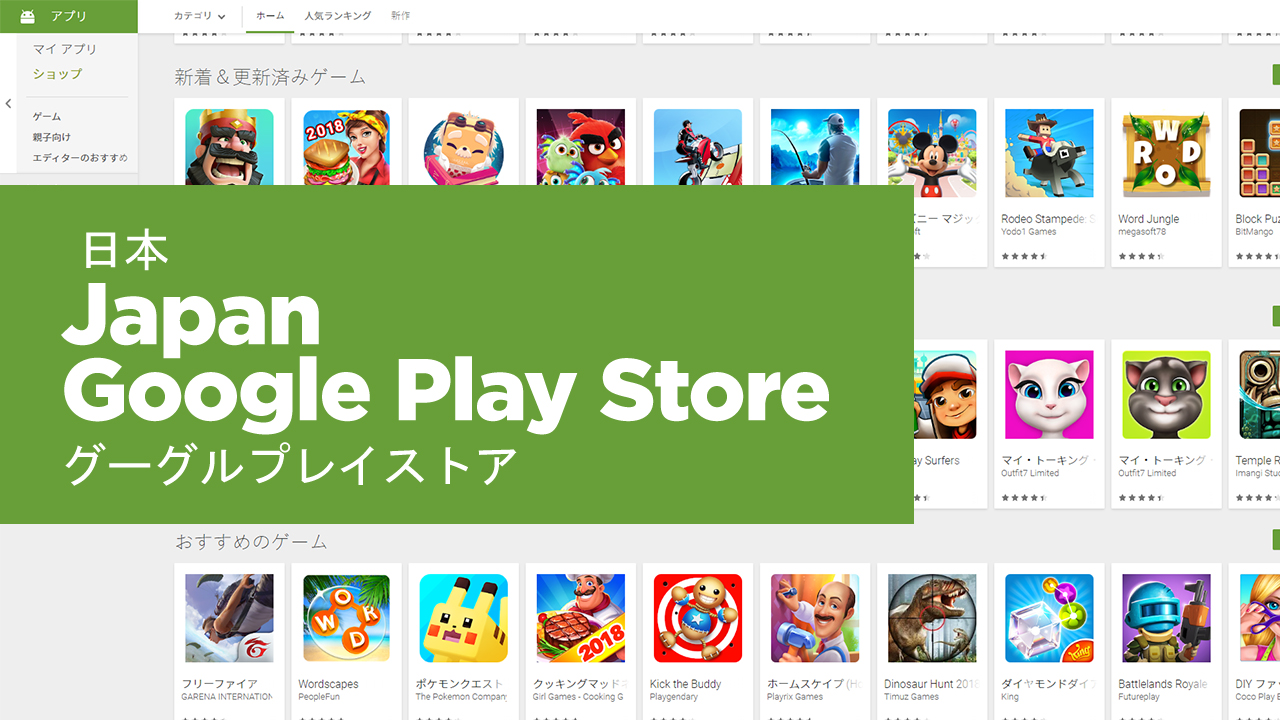
Just follow these steps:
Step 1
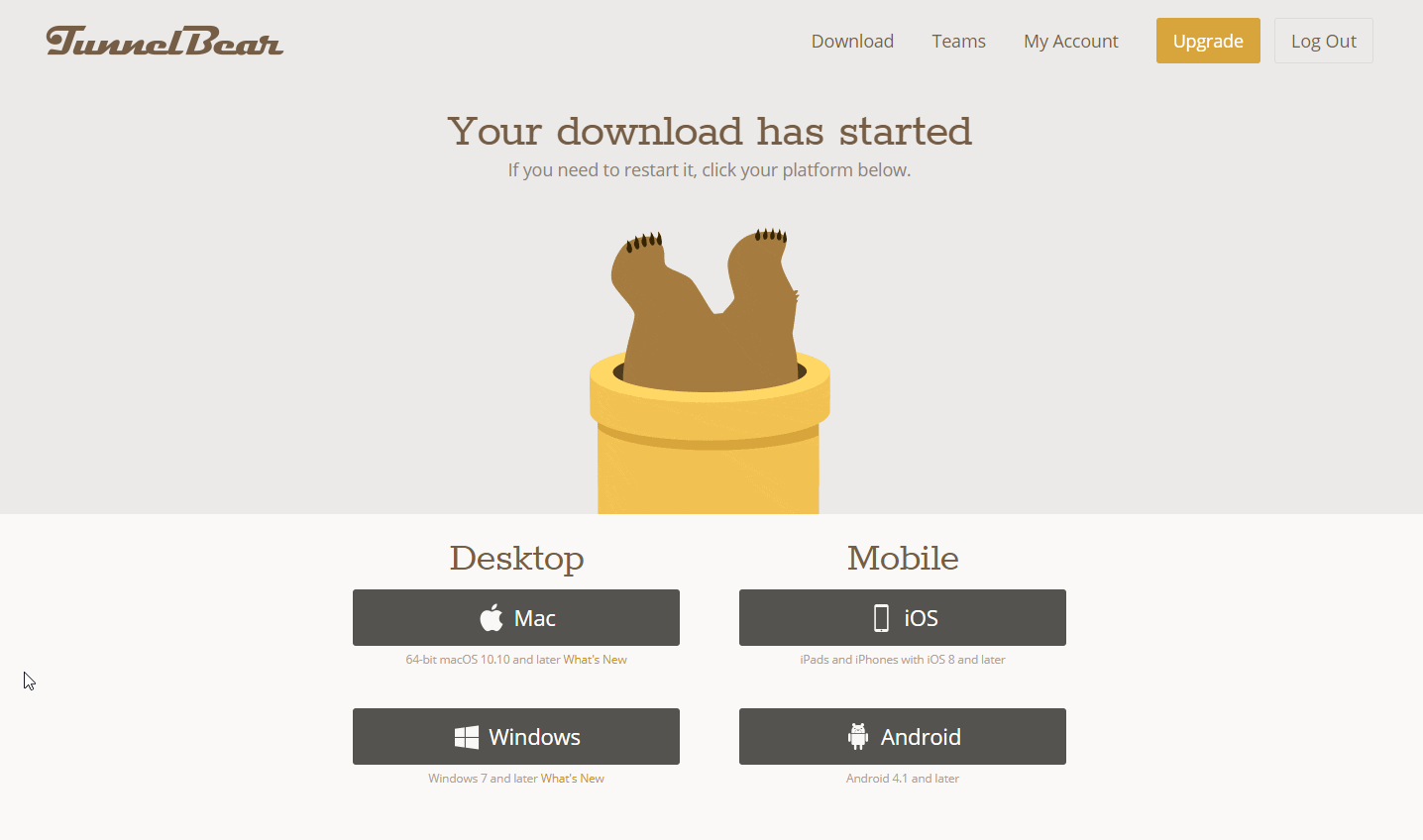
Download Tunnel Bear app on your mobile (Android & iOS) or if you’re on a desktop select the Windows or Mac. This tool is a Virtual Private Network (VPN) that will help us access the region-locked games and apps. For this demo we are going to use the desktop application.
Step 2

After downloading, open the tool and tap the Pipe going to Japan and once it prompt you to tunnel just click yes and wait for it to connect.
Step 3

This is the tricky part as you need to create a Japan Gmail by clicking on the link provided. We also recommend doing the registration in the browser so you can check the URL if it has the www.google.co.jp in the URL, otherwise, this will just register to your default local account. Also, if it asks you for a mobile number you can use your local PH mobile number. Just select the Philippine flag and it will add the +63 area code.
Step 4
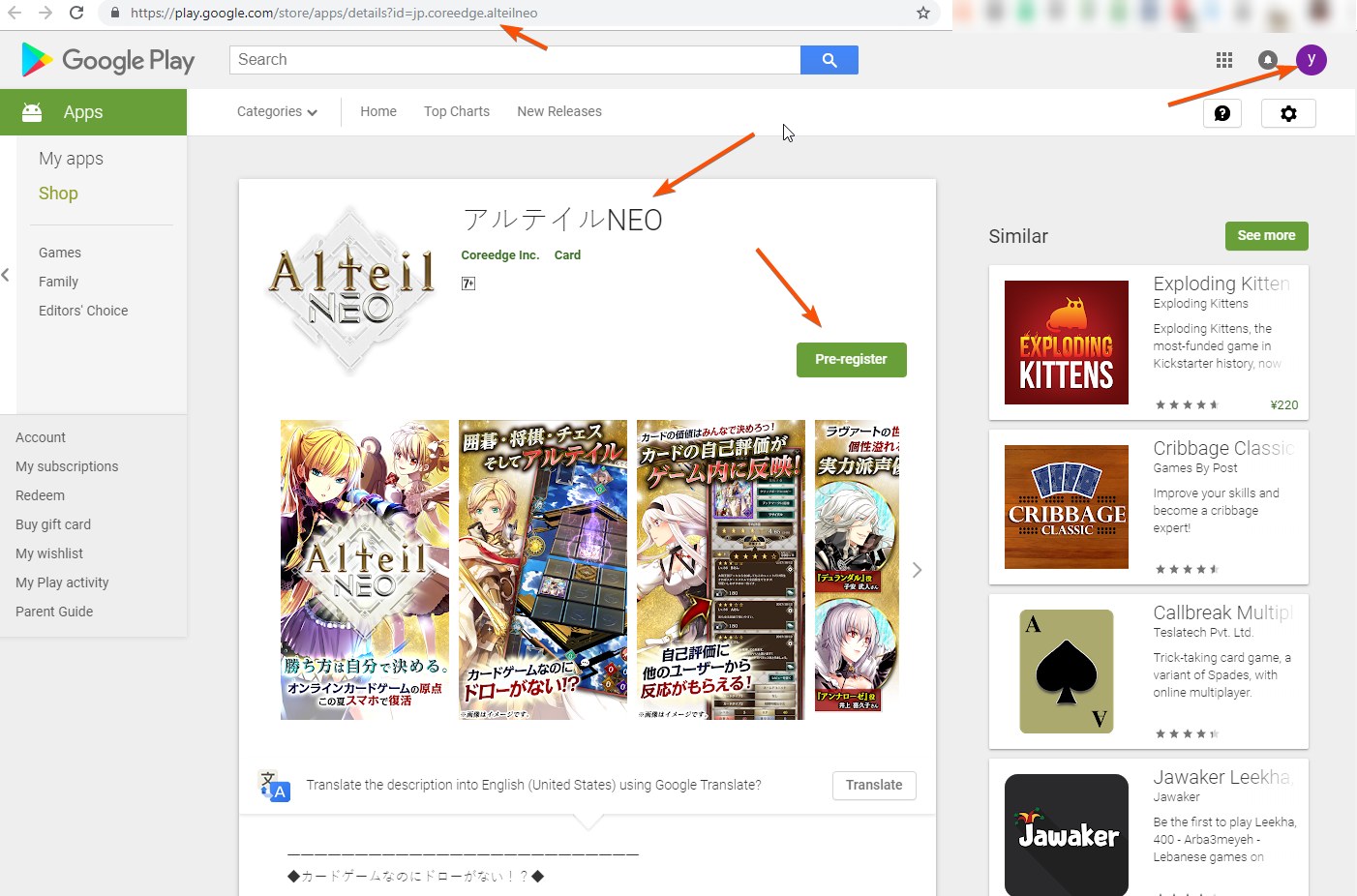
After the account creation process, just switch to the Japanese account you have created on your mobile or browser and visit the Japanese Google Play Store and access the Japanese games and apps.
Step 5
Tune in to our weekly list of upcoming games on Android devices so you won’t miss any of the new game titles.
Related Article




Seems i need vpn every time i visit playstore with that account…